


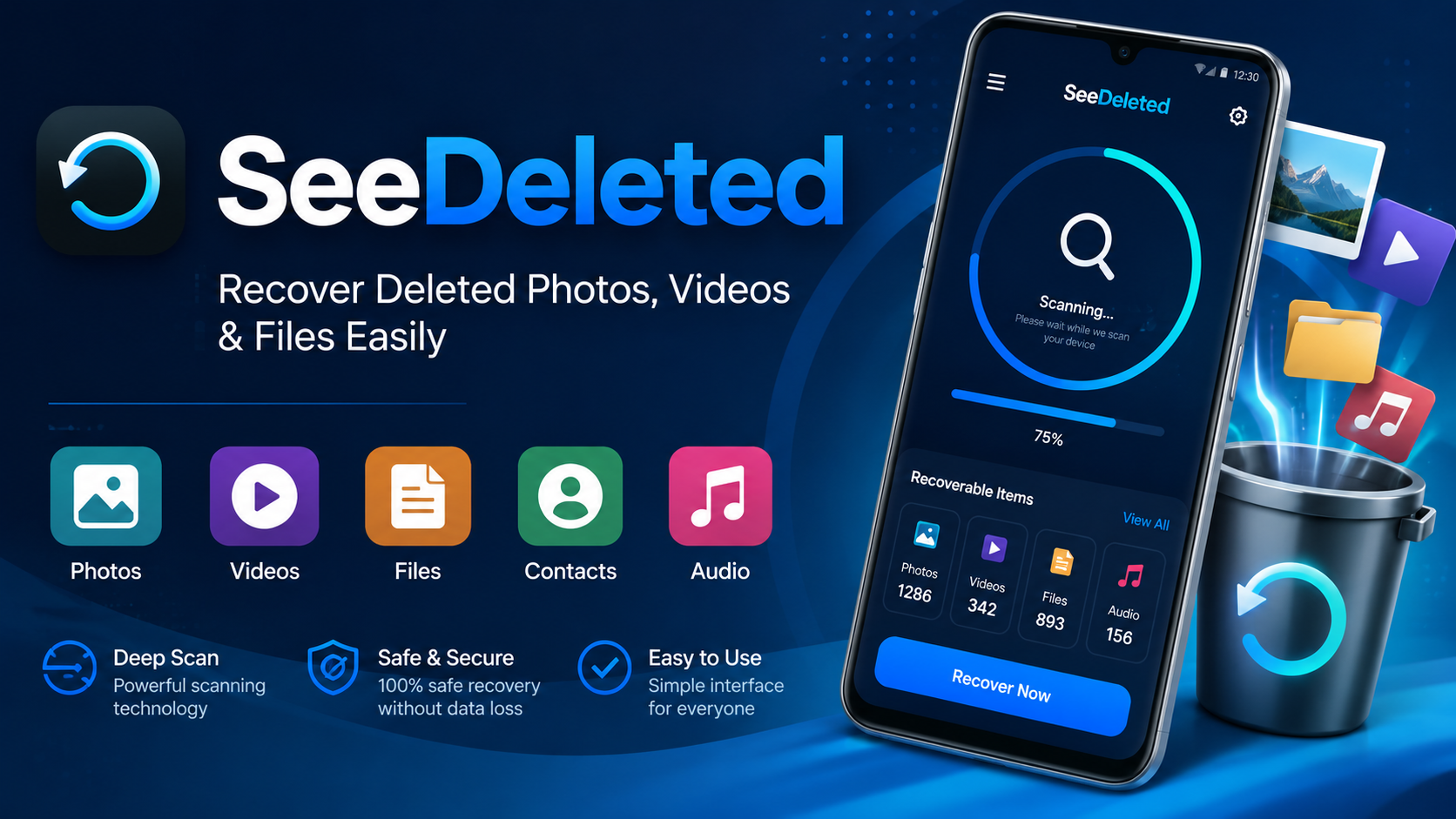
SeeDeleted is an Android data recovery application designed to help users find and restore deleted photos, videos, audio files, documents, contacts, and other important information. Accidentally deleting a file can be frustrating, especially when that file contains an important memory, personal document, work material, or other information that you did not intend to remove.
Modern smartphones are used to store a huge amount of personal data. Photos, videos, documents, recordings, contacts, and other files can disappear because of accidental deletion, storage problems, device errors, or simple mistakes. This is where a recovery-focused application can be useful.
SeeDeleted provides a straightforward approach to looking for recoverable information on an Android device. Instead of manually searching through numerous folders, users can use the application’s scanning and recovery functions to look for data that may still be available on the device.
This guide explains what SeeDeleted is, how it works, what types of information it may help recover, how to use it, what to consider before attempting recovery, and how to improve the chances of finding accidentally deleted files.
What Is SeeDeleted?
SeeDeleted is an Android recovery application created for users who want to search for deleted or lost information on their mobile devices. The application focuses on recovering different types of personal data, including photos, videos, audio, documents, contacts, and other files.
When a file is deleted from a phone, the situation is not always as simple as the file immediately disappearing from every part of the device. Depending on the storage system, device configuration, and subsequent activity, some information may remain recoverable for a period of time.
A recovery application can scan available storage and identify information that may still be recoverable. SeeDeleted is designed around this basic recovery process.
The application can be particularly useful for people who accidentally remove an important photo, video, document, audio recording, or another file and want to check whether it can still be found.
However, users should understand that no recovery application can guarantee that every deleted file will always be restored. Recovery depends on factors such as the type of storage, how long ago the data was deleted, whether new information has overwritten the old data, and the permissions available to the application.
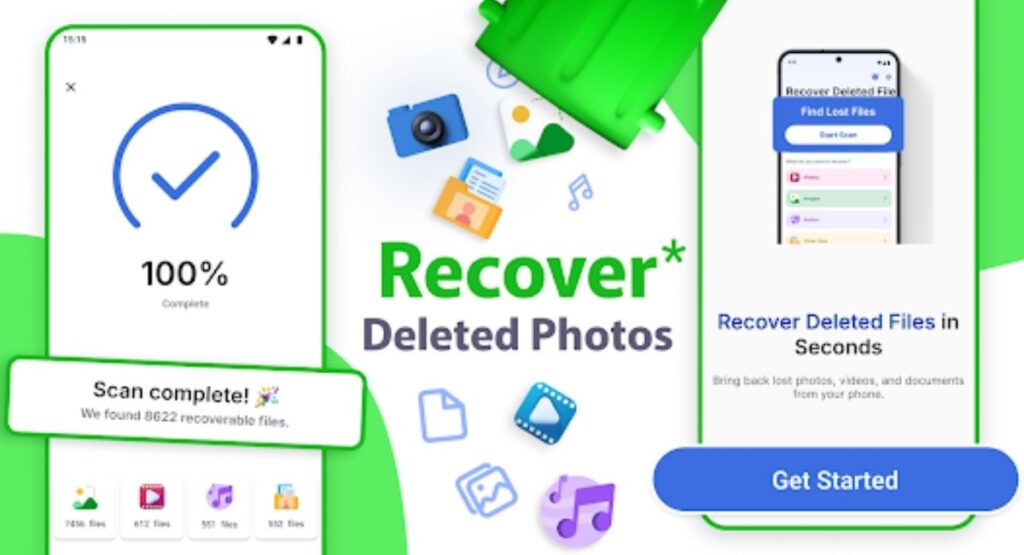
Why Do People Need SeeDeleted?
Accidental deletion is one of the most common reasons people lose important files from their smartphones.
A user might delete a photo while cleaning storage and later realize that the image was important. Someone may remove a video to free up space and then discover that it was needed. A document can also disappear because of an accidental tap, file-management mistake, or device issue.
In these situations, SeeDeleted can provide a recovery-focused way to search for potentially recoverable information.
Some common reasons users may look for a recovery application include:
- Accidentally deleted photos
- Removed videos
- Lost audio recordings
- Deleted documents
- Missing files
- Accidentally removed contacts
- Storage-related problems
- Mistakes during file management
- Data lost after certain device problems
- Searching for older files that are no longer visible
The important point is that recovery should be attempted as soon as possible. Continued use of the device can create new data, and new data may overwrite information associated with previously deleted files.
How SeeDeleted Works
The general idea behind SeeDeleted is based on scanning available device storage for information that may still be recoverable.
After opening the application, users can normally begin the scanning process. The application examines accessible areas of the device and searches for files or information that match its recovery capabilities.
The process can be understood in several simple stages.
1. Open the Application
Start by opening SeeDeleted on your Android device.
The first screen should provide access to the application’s available recovery features. Depending on the device and application version, the exact interface may look different.
2. Allow Necessary Permissions
Recovery applications may require permission to access storage or other relevant information.
Permissions are important because an application cannot search areas of the device that Android does not allow it to access.
Only grant permissions that are necessary for the application’s intended functionality. Android versions can also provide different permission controls, so available options may vary between devices.
3. Start a Scan
After the required permissions are available, begin the recovery scan.
The application searches accessible storage for information that may still be available. The scanning time can vary according to the amount of data on the device and the type of scan being performed.
A larger storage area may take longer to examine than a smaller one.
4. Review Scan Results
Once scanning has finished, SeeDeleted can display information that may be recoverable.
Instead of immediately restoring everything, carefully review the results. Look for the specific photo, video, document, audio file, or other information that you want to recover.
5. Select the Required Files
Choose only the files you actually need.
Selecting specific files can make the recovery process more organized and can prevent unnecessary data from being restored.
6. Recover the Selected Data
After selecting the desired files, use the recovery option provided by the application.
The final result depends on whether the original data remains available and recoverable. Some files may be successfully recovered, while others may be damaged, incomplete, or unavailable.
Main Features of SeeDeleted
The purpose of SeeDeleted is centered around data recovery. Its features are designed to make the process of finding deleted information easier for Android users.
Deleted Photo Recovery
Photos are among the most frequently deleted types of personal data.
A picture may be removed accidentally while cleaning a gallery or managing storage. If the underlying data remains accessible, a recovery scan may be able to locate it.
SeeDeleted can therefore be useful when users want to search for deleted images.
Video Recovery
Videos generally consume more storage space than ordinary images, which means users frequently delete them when attempting to free storage.
Unfortunately, users may later discover that an important video was deleted.
A recovery scan can help users check whether deleted videos remain available for recovery.
Audio Recovery
Audio recordings can contain important conversations, voice notes, interviews, lectures, or personal recordings.
When an audio file is accidentally removed, users may want to search the device for a recoverable copy.
The recovery-focused functionality of SeeDeleted can be used to look for potentially recoverable audio files.
File Recovery
Android phones contain many different types of files.
Documents, downloads, compressed files, and other data can disappear for various reasons. A recovery application can help users search accessible storage for information that may still exist.
Contact Recovery
Contacts are another important category of personal information.
Losing a contact can be inconvenient, particularly when the number was not saved elsewhere. Depending on how the information was stored and whether it remains accessible, a recovery tool may help users search for lost contact information.
Users should remember that recovery possibilities vary considerably between devices and Android versions.
Simple Recovery Process
One of the biggest advantages of a recovery-focused application is having the recovery process organized into a dedicated interface.
Instead of manually searching through folders, users can start a scan and review the results in one place.
SeeDeleted for Recovering Accidentally Deleted Photos
Accidental photo deletion is a common smartphone problem.
Imagine taking an important family photograph, saving a memorable moment, or receiving an image that you need later. During a storage cleanup, the image may accidentally be deleted.
When this happens, the first step should be to avoid unnecessary activity on the device. Opening applications, downloading large files, recording new videos, and repeatedly modifying storage can increase the possibility of overwriting information.
After that, users can open SeeDeleted and perform an available recovery scan.
If the deleted photo is still recoverable, it may appear in the scan results. Users can then preview available results where supported and select the files they want to recover.
Recovery is not guaranteed, so users should treat the scan as an opportunity to find remaining data rather than a promise that every deleted photo can be restored.
SeeDeleted for Video Recovery
Videos can be especially valuable because they often represent unique memories that cannot easily be recreated.
Deleting a video by mistake can therefore be much more serious than removing an ordinary file.
When a video is accidentally deleted, users should avoid filling the device with new data. The less the storage area changes after deletion, the better the possibility that recoverable information may remain.
A SeeDeleted scan can then be used to search for potentially recoverable videos.
The scan results should be reviewed carefully because large storage areas may contain many files and fragments. Selecting the correct video before recovery helps keep the process organized.
SeeDeleted for Documents and Other Files
Smartphones are increasingly used for school, work, business, and personal documents.
A deleted PDF, text file, image-based document, spreadsheet, or other file may contain information that is difficult to replace.
A recovery application can provide another option for checking whether such information remains available.
With SeeDeleted, users can perform a storage scan and look through available recovery results. If the required file appears and is recoverable, the user can select it and follow the recovery process.
For important documents, however, prevention is always better than recovery. Regular backups and organized storage can greatly reduce the impact of accidental deletion.
What Happens When You Delete a File?
Understanding deletion helps explain why recovery is sometimes possible.
On many storage systems, deleting a file does not necessarily mean that every piece of its data instantly disappears. Instead, the system may mark the space associated with the file as available for future use.
Until that space is reused, portions of the original information may remain.
Once new data is written into that space, the original information can become much harder or impossible to recover.
This is one reason why acting quickly matters.
For example, if you accidentally delete an important photo and immediately start recording several hours of high-resolution video, the device may use storage space that was previously associated with the deleted information.
For this reason, users should avoid unnecessary storage activity after accidental deletion.
How to Improve Your Chances of Data Recovery
Although SeeDeleted can help search for recoverable information, users can also take steps to improve the possibility of successful recovery.
Stop Unnecessary Device Activity
After deleting an important file, avoid downloading unnecessary files or installing large applications.
Avoid Recording New Videos
Video recording can generate a large amount of new data. If recovery is important, avoid recording new videos until the recovery attempt is complete.
Do Not Fill Your Storage
Keeping the device active and continuously adding data can reduce the possibility of recovering older information.
Start Recovery Quickly
The sooner you check for deleted data, the better.
Review Results Carefully
Do not recover every available result without checking what it is. Review the available files and choose the information you actually need.
Maintain Backups
Recovery tools should not replace a good backup strategy.
Important photos, videos, documents, and contacts should be backed up regularly so that accidental deletion does not become a major problem.
Is SeeDeleted Easy to Use?
A recovery application should make a complicated technical task understandable for ordinary smartphone users.
SeeDeleted is designed around a straightforward recovery concept: open the application, provide necessary access, scan the device, review available results, select the required information, and attempt recovery.
The exact interface can change as Android applications receive updates. Different Android versions can also display permission prompts differently.
Therefore, users should follow the instructions displayed by their current version of the application rather than relying entirely on screenshots or instructions from an older version.
SeeDeleted and Android Compatibility
Android devices are not all identical.
Different manufacturers, Android versions, storage systems, security configurations, and permission models can affect how applications access information.
As a result, recovery performance may vary from one phone to another.
Before using SeeDeleted, users should make sure their device provides the permissions required by the application’s current version.
If a particular recovery function does not work, it does not necessarily mean the application itself is malfunctioning. Android security restrictions may limit access to certain areas of device storage.
Important Things to Know Before Recovery
There are several important limitations users should understand.
First, deleted data cannot always be recovered.
Second, some recovered files may be incomplete or damaged.
Third, newer Android security and storage systems can restrict access to deleted information.
Fourth, recovery success depends on what happened after the original deletion.
For these reasons, SeeDeleted should be viewed as a recovery utility rather than a guaranteed solution for every data-loss situation.
Having realistic expectations can make the recovery process much easier to understand.
How to Use SeeDeleted Safely
When using any Android recovery application, users should pay attention to permissions and the source of the application.
Before installation, check the application information and make sure you understand what access it requests.
Do not provide unnecessary permissions simply because an application asks for them.
Keep Android updated and review application permissions regularly.
It is also useful to maintain enough free storage space because recovery operations can require additional storage for recovered files.
If the recovered file is important, consider creating a backup immediately after successful recovery.
Common SeeDeleted Problems and Solutions
Scan Finds Nothing
If a scan does not find the desired file, the original information may already have been overwritten or may not be accessible through the current Android storage system.
Try avoiding further storage activity and perform another supported scan if available.
Recovered File Does Not Open
A recovered file may be incomplete or damaged. This can happen when only part of the original information remains.
Unfortunately, not every damaged file can be repaired.
The Application Cannot Access Storage
Check Android’s permission settings and make sure the necessary access has been granted.
The exact permission system depends on the Android version and device.
Recovery Takes Too Long
Large storage areas can take longer to scan.
Keep the device sufficiently charged and avoid interrupting the process unless necessary.
Some Files Are Missing
A recovery scan does not necessarily display every deleted file. Storage changes, security restrictions, file-system behavior, and overwriting can affect results.
Benefits of Using SeeDeleted
There are several reasons a user may consider a recovery-focused application.
Convenient scanning: Users can search accessible device storage from a dedicated recovery interface.
Multiple data types: The application is designed around recovery of different kinds of information.
Useful after accidental deletion: It can provide an additional recovery option when an important file has been removed.
Simple workflow: The process can generally be understood through scanning, reviewing, selecting, and recovering.
Android-focused: The application is intended for Android users who need to search for potentially recoverable information.
Limitations of SeeDeleted
No recovery application should be considered a guaranteed solution.
Some deleted information may be permanently unavailable.
New data can overwrite old information.
Android security restrictions can limit access.
Some recovered files may be incomplete.
Recovery performance can vary between devices.
Understanding these limitations is important before beginning the recovery process.
SeeDeleted vs. Permanent Data Loss
It is important to distinguish between accidentally deleted information and information that has already been overwritten.
If a file has simply been removed and the storage area has not been reused, recovery may sometimes be possible.
If the same storage area has already been filled with new information, recovering the original file can become extremely difficult.
This explains why users should not continue normal heavy usage after accidental deletion.
The faster a recovery attempt begins, the better the chance of finding useful results.
Who Can Benefit From SeeDeleted?
SeeDeleted may be useful for Android users who have accidentally deleted personal files and want to check whether those files are still recoverable.
It can be relevant to:
- Android smartphone users
- People who accidentally delete photos
- Users who lose videos
- Students managing documents
- Users with deleted audio recordings
- People who accidentally remove files
- Users searching for lost contacts
- Anyone interested in Android data recovery
It is especially useful to understand the application before an emergency occurs. Knowing how recovery works can help users react quickly when accidental deletion happens.
Tips for Preventing Future Data Loss
Although recovery tools can be helpful, prevention remains the best approach.
Create regular backups of important photos and videos.
Keep important documents in more than one safe location.
Avoid deleting files during rushed storage-cleaning sessions.
Review selected files before pressing the delete button.
Keep important contacts synchronized or backed up where appropriate.
Maintain sufficient free storage so that you do not have to perform rushed cleanup.
These habits can significantly reduce the risk associated with accidental deletion.
FAQs
What is SeeDeleted?
SeeDeleted is an Android recovery application designed to help users search for potentially recoverable deleted photos, videos, audio, documents, contacts, and other files.
Can SeeDeleted recover every deleted file?
No. Recovery depends on the condition of the deleted information, storage behavior, Android restrictions, and whether the original data has been overwritten.
Can SeeDeleted recover deleted photos?
It is designed to search for recoverable photos and other supported data. However, successful recovery cannot be guaranteed for every deleted image.
Can SeeDeleted recover videos?
The application is focused on recovering different types of deleted data, including videos where recovery is supported and the underlying information remains available.
Should I use my phone after deleting an important file?
It is better to minimize unnecessary activity. New data can potentially overwrite information associated with deleted files.
Why can’t some deleted files be recovered?
Deleted information may have been overwritten, damaged, removed beyond accessible storage, or protected by Android’s storage and security system.
Does recovery always work?
No. Recovery tools can locate data that remains available, but permanent data loss cannot always be reversed.
Is SeeDeleted useful for accidental deletion?
Yes, its main purpose is to help users search for potentially recoverable information after accidental deletion or other data-loss situations.
Final Thoughts on SeeDeleted
Losing important information from an Android phone can be stressful. A photo, video, document, recording, or contact may have personal or practical value, and accidental deletion can happen in only a few seconds.
SeeDeleted provides a recovery-focused approach for users who want to check whether deleted information may still be available on their Android device. Its purpose is to scan accessible storage, identify potentially recoverable information, and give users an opportunity to select and recover useful files.
The most important factor is timing. When an important file is deleted accidentally, avoid unnecessary device activity and begin checking for recovery as soon as possible. Continued downloads, recordings, installations, and other storage activity may reduce the possibility of successful recovery.
At the same time, users should maintain realistic expectations. No application can guarantee recovery of every deleted file. Android’s security system, storage technology, file condition, and overwriting can all influence the final result.
For users interested in Android data recovery, SeeDeleted can be a practical tool to investigate potentially recoverable photos, videos, audio, documents, contacts, and other files. Combined with good backup habits and careful file management, it can form part of a sensible approach to protecting important mobile data.
If you regularly store valuable information on your smartphone, remember that prevention is always better than recovery. Keep backups, review files before deletion, avoid unnecessary storage activity after accidental deletion, and use recovery tools responsibly.
SeeDeleted is ultimately about giving Android users another opportunity to look for information they may have accidentally lost. When used with realistic expectations and sensible data-management habits, a recovery application can make the process of dealing with accidental deletion much less frustrating.



