


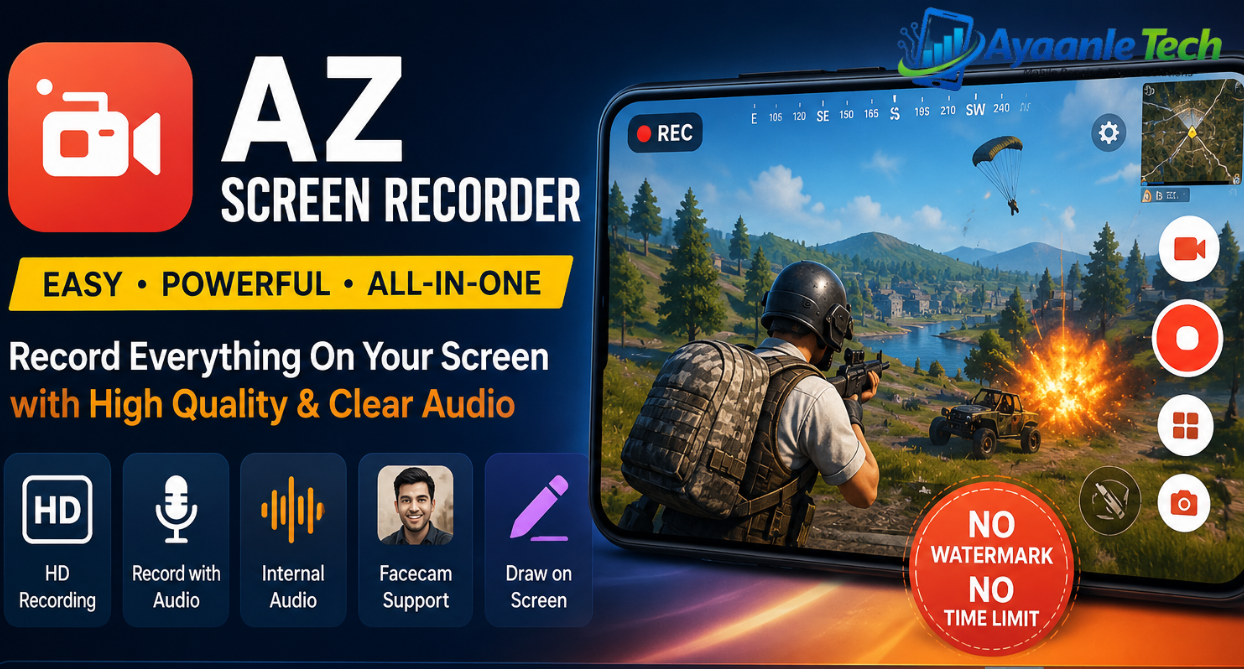
AZ Screen Recorder is a powerful, easy-to-use screen recording app designed to create high-quality videos directly from your mobile device. Featured on major platforms like Google Play Home Page, Business Insider, CNET, HuffPost, and Yahoo News, the app has become a trusted choice for millions of users worldwide.
Whether you want to record gameplay, online classes, tutorials, live video calls, or streaming content, AZ Screen Recorder delivers a smooth, reliable experience with advanced recording tools and professional editing features.
Why AZ Screen Recorder Is Popular
One of the biggest advantages of AZ Screen Recorder is its simple and beginner-friendly interface. Users can quickly start or stop recordings using floating control buttons without complicated settings. The app delivers high-quality HD screen recordings with clear audio, helping creators, gamers, students, and professionals produce polished content effortlessly.
The app is designed to work smoothly on Android devices while maintaining video quality and stable performance during long recording sessions.
High-Quality Screen Recording Features
AZ Screen Recorder includes a wide range of screen recording tools that make video creation easy and professional.
HD Screen Recording
Record high-resolution videos with smooth frame rates and clear visuals for gaming, tutorials, and presentations.
Audio Recording Support
The app supports:
- Microphone audio recording
- Internal audio recording
- Combined audio recording for enhanced sound quality
This makes it ideal for gameplay commentary, educational content, app demos, and video calls.
Easy Recording Controls
Users can:
- Start screen recording instantly
- Pause recordings anytime
- Resume recordings without creating multiple files
- Stop recordings quickly using floating controls
Facecam Feature
The built-in facecam option allows users to show their face in a floating window while recording the screen. This feature is useful for:
- YouTube videos
- Reaction videos
- Online teaching
- Live tutorials
- Gaming commentary
GIF Recording
AZ Screen Recorder can convert recordings into GIF animations for easier sharing on websites and social media platforms.
Draw on Screen While Recording
Users can draw or highlight important sections during recording, which is especially useful for tutorials, presentations, and educational videos.
Built-In Video Editor
AZ Screen Recorder is more than just a screen recording app. It also includes a complete video editor for improving recorded content.
Video Editing Tools Include
- Trim unwanted video sections
- Remove the middle parts from videos
- Merge multiple clips
- Add background music
- Insert subtitles
- Extract frames from videos
- Crop video dimensions
- Rotate videos
- Compress videos to save storage space
These editing features help users create professional-quality videos directly from their smartphones without needing additional software.
No Watermark and No Time Limits
One of the best features of AZ Screen Recorder is that it allows users to record videos:
- Without watermarks
- Without recording time limits
This provides a clean and professional recording experience for creators and businesses.
Wireless File Transfer
AZ Screen Recorder also supports wireless file transfer using WiFi. Users can easily move screenshots and recorded videos from their mobile device to a computer without cables.
This feature improves convenience and helps users manage large video files more efficiently.
Best Uses of AZ Screen Recorder
AZ Screen Recorder is suitable for many different purposes, including:
Gaming Videos
Record mobile gameplay with smooth video and clear audio.
Online Classes and Tutorials
Create educational content for students and online learning platforms.
Video Calls and Meetings
Save important online meetings and video calls for future reference.
Social Media Content
Create engaging short videos, reactions, and tutorials for platforms like YouTube, TikTok, Facebook, and Instagram.
Business Presentations
Record app demonstrations, training materials, and professional presentations.
See Also: Ayaanle Tech
Key Features of AZ Screen Recorder
- High-quality HD screen recording
- Screen recorder with microphone audio support
- Internal audio recording support
- Facecam recording with floating window
- No watermark on videos
- No recording time limits
- Pause and resume recording anytime
- GIF screen recording support
- On-screen drawing while recording
- Easy screenshot capture
- Wireless video transfer via WiFi
- Built-in professional video editor
- Video trimming and merging tools
- Subtitle and background music support
- Video compression and rotation options
Final Thoughts
AZ Screen Recorder is a reliable and feature-rich screen recording application for Android users. With powerful recording tools, built-in video editing options, audio support, and user-friendly controls, it offers everything needed to create high-quality video content.
Whether you are a gamer, teacher, content creator, student, or business professional, AZ Screen Recorder provides an all-in-one solution for recording, editing, and sharing videos with ease.

1 Comment
Pingback: ChatGPT-5: Advanced AI Assistant for Intelligent