


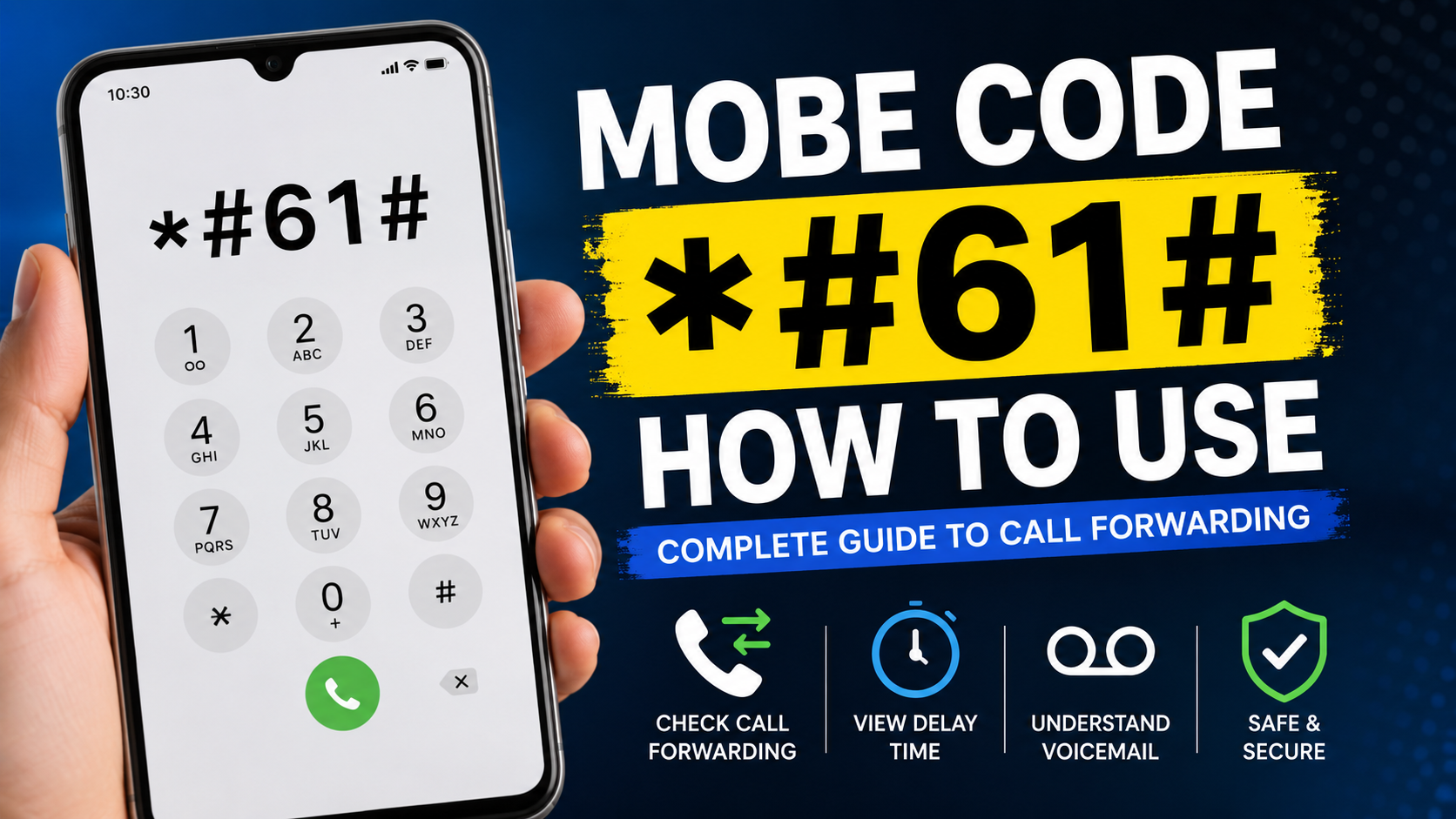
*Mobe Code #61# How to Use is a useful topic for mobile users who want to understand what happens to incoming calls when they are unable to answer them. The *#61# code is commonly associated with checking call forwarding when there is no answer. It can help users understand whether unanswered calls are forwarded to another number or a voicemail service and how long the phone waits before forwarding takes place.
Many mobile network features operate in the background, so users may not always know how their incoming calls are handled. Call forwarding is one of those features. When you miss a call, your carrier may automatically route it to another destination after a specific number of seconds. The *Mobe Code #61# How to Use process can help you check information related to this forwarding condition.
This guide explains what the code means, how to use it, what information you may receive, how to understand the result, why it sometimes does not work, and what you should know before changing any call-forwarding settings.
What Is Mobe Code *#61#?
*Mobe Code #61# How to Use refers to using the mobile network query code *#61# to check information related to unanswered-call forwarding. The code does not function like an ordinary telephone number. Instead, it is a supplementary service query that communicates with supported mobile network services.
When an incoming call reaches your phone and you do not answer it, the network may eventually forward the call according to your configured settings. Depending on your carrier, the destination can be a voicemail service or another configured telephone number.
The *Mobe Code #61# How to Use method is therefore useful for checking the forwarding configuration associated with calls that remain unanswered.
The exact response depends on your carrier, SIM card, network technology, account configuration, and smartphone. Some networks provide detailed information, while others may return an unsupported-service message.
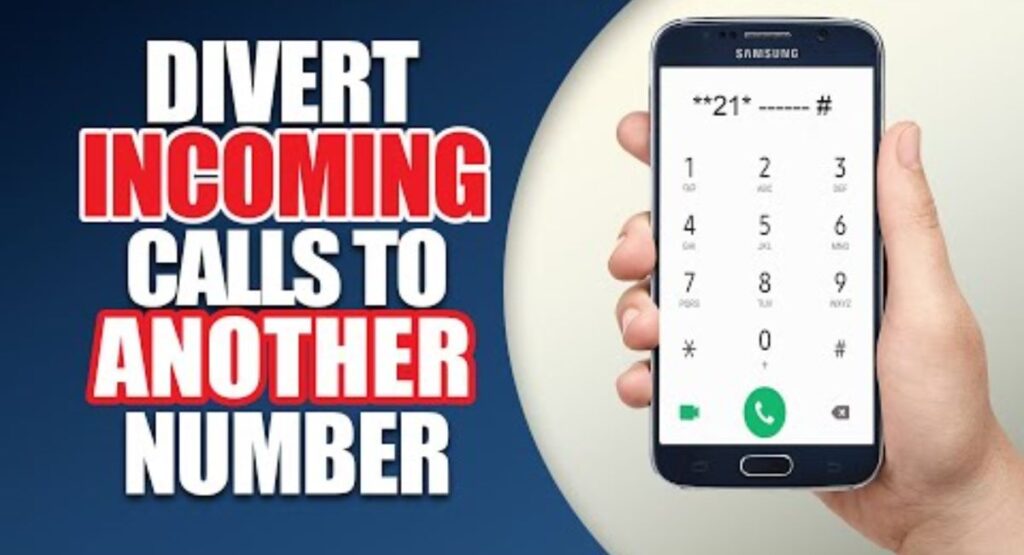
Mobe Code *#61# How to Use on a Mobile Phone
Learning *Mobe Code #61# How to Use is generally simple because the code can be entered through the normal Phone or Dialer application.
Follow these steps:
- Open the Phone or Dialer app.
- Open the numeric keypad.
- Enter
*#61#. - Press the call or send button if your phone requires it.
- Wait for the mobile network to process the request.
- Review the information shown on the screen.
Some phones automatically process the query after you finish entering the code, while others require you to press the call button.
If your network supports the service, the response may show information about the destination used for unanswered calls and the delay before forwarding occurs.
The *Mobe Code #61# How to Use procedure does not normally require you to install an additional application. It is performed through the phone’s built-in dialer.
What Does *#61# Check?
The main purpose of *Mobe Code #61# How to Use is to query the call-forwarding condition associated with an unanswered call.
There are several different situations in which a mobile network can handle calls:
- The user answers the call.
- The user does not answer.
- The phone is busy.
- The phone is unreachable.
- The phone has no cellular connection.
- Calls are forwarded unconditionally.
These situations can have separate forwarding configurations.
The *#61# query is primarily associated with the no-answer condition. This means it can help you understand what happens when someone calls your number and you do not pick up.
Understanding this distinction is important because checking one forwarding condition does not necessarily reveal the status of every call-forwarding feature on the account.
What Information Can Mobe Code *#61# How to Use Provide?
A successful network response can contain several useful details. The information varies by carrier, but the response may include a forwarding destination and a delay period.
Forwarding Number
The network may display the number associated with unanswered-call forwarding.
In many cases, this number may belong to a voicemail system or another carrier-managed service. Therefore, seeing a number that you do not personally recognize does not automatically mean your phone has been compromised.
Delay Time
The response may also show how many seconds the network waits before forwarding an unanswered call.
For example, if the delay is configured for 20 seconds, an unanswered incoming call may continue ringing for that period before the forwarding rule is applied.
Service Status
Some networks may provide information about whether the forwarding service is active or configured.
The wording can vary significantly between carriers and devices.
The *Mobe Code #61# How to Use result should therefore be interpreted according to your carrier’s network configuration rather than compared directly with screenshots from another provider.
Example of an *#61# Result
A hypothetical response could look something like this:
Voice Call Forwarding
When unanswered: +1234567890
Delay: 20 seconds
This is only an example. Your actual response may use different wording or display additional information.
If you see a forwarding number, it may be the destination configured for unanswered calls. If you see a delay, it represents the period the network waits before forwarding.
The *Mobe Code #61# How to Use result is therefore most useful when you understand the meaning of each field rather than simply looking for an unfamiliar number.
Why Use the *#61# Code?
There are several practical reasons to use *Mobe Code #61# How to Use as a way of checking your mobile network settings.
Understanding Missed Calls
If you want to know what happens when you fail to answer a call, checking the no-answer forwarding configuration can provide useful information.
Checking Voicemail Behavior
Many carriers use forwarding as part of their voicemail system. The forwarding destination shown by the network may therefore be related to voicemail.
Troubleshooting Call Problems
If callers report that their calls are being redirected unexpectedly, checking forwarding information can be one step in understanding the problem.
Reviewing Network Settings
Call forwarding is not always obvious in the phone’s normal settings. A supported network query can reveal additional information.
Checking After a SIM Change
If you recently changed your SIM card or carrier, reviewing your call-forwarding configuration can help you understand how unanswered calls are currently handled.
Is Mobe Code *#61# How to Use a Hacking Method?
No. The *Mobe Code #61# How to Use method should not be considered a hacking technique.
The *#61# code is a network service query. Its purpose is to request information about a specific call-forwarding condition.
It does not provide access to another person’s smartphone, messages, accounts, photographs, passwords, or private files.
A common misconception online is that mobile service codes are secret hacking tools. This is inaccurate. Some network codes can inspect or modify supplementary services, but that does not mean they provide unauthorized access to a device.
Users should avoid websites or social-media posts claiming that *#61# can magically reveal another person’s private information.
Does Mobe Code *#61# How to Use Track a Phone?
No. The *Mobe Code #61# How to Use process is not a location-tracking method.
The code does not display GPS coordinates, live location information, or the physical position of a mobile phone.
Its function is related to call forwarding when an incoming call is not answered.
If you encounter claims that *#61# can locate another person’s phone, those claims should be treated carefully. Mobile network query codes should not be confused with legitimate device-location services.
Does *#61# Detect Phone Spying?
Another misconception is that the code can identify whether someone is spying on a phone.
The *Mobe Code #61# How to Use procedure is not a complete security scanner. It cannot determine whether a device contains spyware or whether someone has unauthorized access to an account.
It can provide information about a specific network forwarding configuration.
If an unfamiliar forwarding destination appears, the appropriate response is to contact your carrier and ask whether the number belongs to a legitimate carrier service.
An unfamiliar number alone is not proof of surveillance.
How Call Forwarding When Unanswered Works
To understand *Mobe Code #61# How to Use, it helps to understand the basic process behind unanswered-call forwarding.
Step 1: Someone Calls Your Number
An incoming call is sent through the mobile network to your phone.
Step 2: You Do Not Answer
If you do not answer before the configured waiting period expires, the network recognizes the call as unanswered.
Step 3: The Network Waits for the Configured Delay
The carrier uses the configured delay period before forwarding the call.
Step 4: The Call Is Forwarded
Once the delay expires, the network may send the call to the configured forwarding destination.
That destination could be a voicemail system or another number, depending on the service configuration.
This explains why checking the no-answer forwarding condition can be useful when troubleshooting missed-call behavior.
What Does the Delay Time Mean?
The delay is one of the most useful pieces of information that may appear when using *Mobe Code #61# How to Use.
Suppose the network displays a delay of 25 seconds.
This generally means the network waits for the configured period before applying the unanswered-call forwarding rule.
A shorter delay can cause a call to be forwarded relatively quickly, while a longer delay gives the user more time to answer.
The exact timing and available configuration options depend on the carrier.
Why Does Mobe Code *#61# How to Use Sometimes Fail?
Not every mobile network processes supplementary service codes identically.
If *Mobe Code #61# How to Use does not return a result, several explanations are possible.
Carrier Restrictions
Your carrier may not support the query or may use a different system for managing call forwarding.
Network Compatibility
Network technology and carrier infrastructure can influence whether supplementary service codes work.
Device Differences
Different smartphone manufacturers and software versions may handle network codes differently.
SIM Configuration
The active SIM profile can affect the available services.
Weak Cellular Coverage
A network query requires communication with the mobile network. Poor or unavailable cellular service can prevent the request from completing.
Regional Differences
Network services can differ between countries and carriers.
Therefore, an unsuccessful query does not necessarily mean your phone is damaged.
How to Troubleshoot *#61# Problems
If *Mobe Code #61# How to Use does not work on your phone, try these troubleshooting steps:
- Confirm that you entered the code correctly.
- Make sure your SIM has cellular service.
- Move to an area with stronger network coverage.
- Restart your phone.
- Open the standard Phone app rather than an alternative dialer.
- Try the query again.
- Check your phone’s call-forwarding settings.
- Contact your carrier if the issue continues.
If the carrier does not support the code, there may be no device-side solution.
Mobe Code *#61# How to Use on Android
Android users can generally enter supported network service codes through the standard Phone application.
To try the query:
- Open the Phone app.
- Select the keypad.
- Enter
*#61#. - Submit the code if necessary.
- Wait for the network response.
The interface can differ depending on the Android manufacturer and software version.
Some Android devices display a small network-service dialog, while others may show a different message.
The *Mobe Code #61# How to Use procedure is therefore similar across many Android phones, but the result is controlled primarily by the carrier.
Mobe Code *#61# How to Use on iPhone
iPhone users can also enter supported network service codes through the Phone application.
Open the Phone app, choose the keypad, enter the code, and submit it.
However, carrier support is essential. If the network does not support the query or uses a different call-management system, the code may not produce the expected response.
If the query fails, check the available call settings or contact your carrier.
Does *#61# Need an Internet Connection?
The *Mobe Code #61# How to Use process is associated with mobile network services rather than ordinary internet browsing.
You generally enter the code through the cellular Phone application.
Wi-Fi alone does not guarantee that the query will work. A functioning cellular connection and carrier support are more important.
If your phone has Wi-Fi access but no usable cellular service, the network query may fail.
Is *#61# Safe to Use?
For ordinary users, entering a network query code such as *#61# is generally intended to request information about a supported mobile service.
The important distinction is between query codes and configuration commands.
A query is intended to inspect information. A configuration command may modify a forwarding setting.
The *Mobe Code #61# How to Use process should therefore not be confused with commands that activate, deactivate, or redirect calls.
If you find another code online that claims to change call forwarding, verify what it does before entering it.
What If an Unknown Number Appears?
If *Mobe Code #61# How to Use displays an unfamiliar forwarding number, do not immediately assume that your phone has been hacked.
First, check whether the number is associated with your carrier’s voicemail or call-management service.
You can contact the carrier’s official support team and ask them to identify the number.
If the carrier confirms that the destination is unauthorized, ask them to review and reset the relevant forwarding settings.
This is a much more reliable approach than relying on online claims about suspicious numbers.
Difference Between Unanswered, Busy, and Unreachable Forwarding
One reason users become confused about call forwarding is that different conditions can have different settings.
Unanswered
The phone rings but the user does not answer. This is the condition associated with *#61#.
Busy
The line is busy or another call is being handled. A separate forwarding condition can apply.
Unreachable
The phone cannot be reached by the network, such as when it is switched off or outside network coverage. Another forwarding condition can apply.
Unconditional
All incoming calls may be forwarded without first attempting to ring the user’s phone.
Therefore, checking *Mobe Code #61# How to Use does not necessarily reveal the status of every possible forwarding rule.
Can *#61# Change Call Forwarding?
The *#61# query itself is primarily used to check information rather than configure a forwarding destination.
However, other supplementary service commands can sometimes change forwarding settings.
Because command formats vary by carrier, users should avoid copying random forwarding commands from unverified sources.
If you need to change a forwarding setting, use your phone’s supported settings or contact your carrier.
Common Myths About Mobe Code *#61# How to Use
Myth: It tracks another person
Reality: The code is associated with call forwarding, not GPS tracking.
Myth: It finds hackers
Reality: It does not perform a complete security scan.
Myth: Every unknown number means spying
Reality: A carrier voicemail destination may be unfamiliar.
Myth: It works exactly the same on every phone
Reality: Carrier and device support can differ.
Myth: It provides access to private information
Reality: It does not provide access to another person’s private device data.
Understanding these facts makes *Mobe Code #61# How to Use much easier to understand without relying on misleading claims.
When Should You Check Call Forwarding?
You may want to check your unanswered-call forwarding settings when:
- Your voicemail behavior changes.
- Calls are being redirected unexpectedly.
- You recently changed carriers.
- You replaced your SIM.
- You changed call settings.
- Callers report unusual behavior.
- You want to understand your mobile network configuration.
Regularly understanding your network settings can also make troubleshooting easier when something changes.
Privacy and Security Tips
Call forwarding can affect how incoming calls are handled, so it is sensible to review your own settings when necessary.
Protect your mobile account with the security measures offered by your carrier.
Never provide account passwords, verification codes, or SIM security information to strangers.
If you suspect unauthorized changes, contact the carrier using an official support channel.
The *Mobe Code #61# How to Use procedure can help you inspect one aspect of call forwarding, but it should not be treated as a complete mobile-security check.
See Also: https://ayaanletech.org/ai-photos/
FAQs
What is Mobe Code *#61# How to Use?
It refers to using the *#61# mobile network query to check information related to call forwarding when an incoming call is not answered.
How do I use Mobe Code *#61# How to Use?
Open your phone’s standard dialer, enter *#61#, submit the query if necessary, and wait for the carrier’s response.
What does *#61# show?
Where supported, it can provide information about unanswered-call forwarding, such as a forwarding destination and delay period.
Does *#61# track phones?
No. It is not a GPS or phone-location tracking code.
Does *#61# detect spyware?
No. It does not scan your device for spyware or other malicious software.
Why does *#61# display a number?
The number can be the destination configured for unanswered-call forwarding, including a carrier voicemail service.
Why does Mobe Code *#61# How to Use not work?
Carrier support, network technology, SIM configuration, device compatibility, and cellular coverage can all affect the result.
Does the code work on Android?
It may work on compatible Android devices when supported by the carrier.
Does the code work on iPhone?
It may work on compatible carrier networks through the iPhone Phone app, but carrier support determines the result.
Can the code change my settings?
The query itself is intended to check information. Other forwarding commands may change settings, so they should only be used when their purpose and carrier compatibility are understood.
Is an unknown forwarding number proof of hacking?
No. It may belong to your carrier’s voicemail or another legitimate network service. Contact your carrier for confirmation.
Final Thoughts
The *Mobe Code #61# How to Use guide provides a straightforward way to understand an important mobile network feature: call forwarding when a call is not answered.
The *#61# query can, when supported, show information about the destination used for unanswered calls and the delay before forwarding occurs. This makes it useful for people troubleshooting missed calls, checking voicemail behavior, reviewing network settings, or simply learning more about how their mobile service handles incoming calls.
It is important to remember that *Mobe Code #61# How to Use is not a hacking technique, GPS tracker, or spyware detector. It does not provide access to another person’s phone or private information.
Network support can vary, so the result on one phone may look different from the result on another. If the code does not work, checking your carrier’s documentation or contacting its official support team is the best way to determine how unanswered-call forwarding is configured.
Used for its intended purpose, the *Mobe Code #61# How to Use method is a simple network query that can give you a clearer understanding of how your unanswered calls are handled.



