


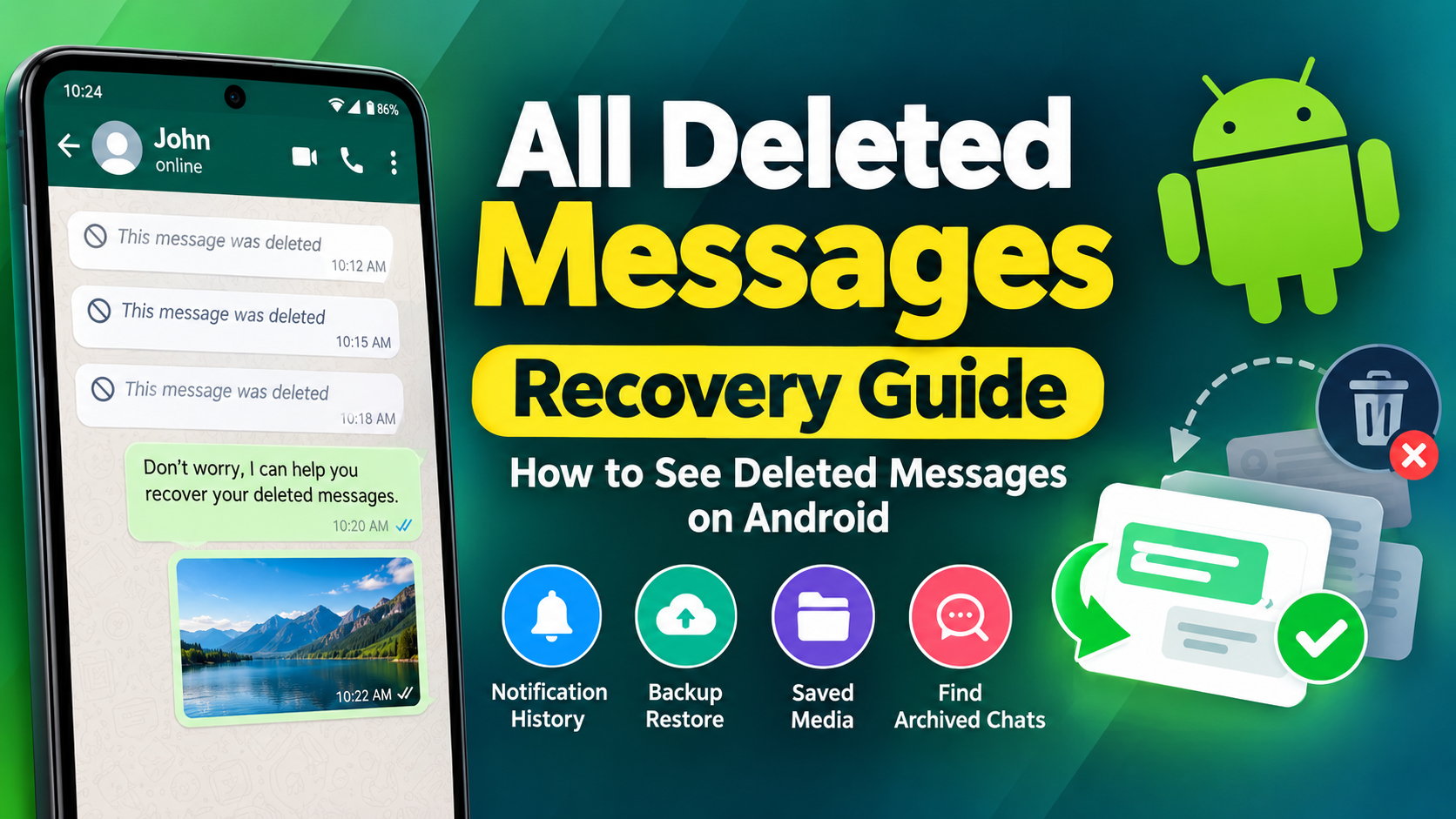
Have you ever received a message and then noticed that it was deleted before you could read it? Many Android users search for a simple way to view all deleted messages after they disappear from a chat. Whether a message was removed accidentally or someone used a delete option, the situation can be frustrating when you need to know what was written.
The good news is that some deleted messages may still be visible if your phone captured the notification or if the conversation was included in an earlier backup. However, there is an important limitation: no recovery method can magically restore information that was never stored on your device, notification history, or backup. Current Android recovery methods generally depend on information that was saved before the message disappeared.
This guide explains how all deleted messages recovery works, which methods are worth trying, what limitations you should expect, and how to reduce the chance of losing important messages in the future.
What Does All Deleted Messages Mean?
The phrase all deleted messages usually refers to messages that have disappeared from a messaging application and that a user wants to view again. These can include text messages, chat messages, and sometimes media attachments such as images, videos, documents, or voice notes.
However, “all” should not be interpreted as a guarantee that every deleted message can be recovered.
Message recovery depends on several factors. The all deleted messages may have appeared in a notification before it was deleted, it may have been included in a backup, or it may still exist in another form on the device. If none of these conditions apply, recovery may not be possible.
This distinction is important because many websites and applications make broad recovery claims. In reality, deleted-message tools normally work by accessing information that was already captured rather than creating a missing message from nothing.
Can You Really Recover All Deleted Messages?
The short answer is sometimes, but not always.
If your Android phone displayed a message notification before the sender deleted the message, Android’s notification history may contain part of the message. On supported devices, notification history can preserve recent notifications and may allow you to see text that is no longer visible in the original conversation.
Another possibility is a previous chat backup. If the message existed when a backup was created, restoring that backup may bring the older conversation back.
For this reason, all deleted messages recovery is better understood as a process of checking different possible copies of your data.
There is no universal method that can recover every deleted message from every phone and every application.
How Deleted Messages Can Still Be Available
Understanding how recovery works makes it easier to choose the right method.
When a message arrives, your phone may process it in several ways. The messaging application receives the message, Android may generate a notification, and your device may include the conversation in a backup depending on your settings.
If the sender later deletes the message, the visible message may disappear from the chat. However, another copy may have already been captured.
For example, a notification may have contained the first part of a text message. If notification history was enabled, that notification could remain available for a limited period.
Similarly, if a backup was created before deletion, the older version of the conversation may contain information that is no longer present in the current chat.
This is why all deleted messages recovery is possible in some situations but impossible in others.
Method 1: Check Android Notification History
One of the easiest ways to look for all deleted messages on Android is to check Notification History.
Android devices that support notification history can store recent notifications. If a messaging notification appeared before the message was deleted, you may be able to see its text from the notification history.
The exact menu can vary depending on the phone manufacturer and Android version, but the general process is:
- Open your phone’s Settings.
- Open Notifications.
- Look for Notification history.
- Enable notification history if it is available.
- Return to the notification-history screen later to review saved notifications.
- Look for notifications from the messaging application.
On some Android devices, notification history is only useful after it has been enabled. Turning it on today generally does not recreate notifications from several days ago.
This is one of the most important points about all deleted messages recovery: a recovery feature cannot normally recover notification information that your phone never recorded.
What Can Notification History Recover?
Notification history is mainly useful for text notifications.
You may see:
- The sender’s name
- Part or all of a short text message
- The application that generated the notification
- The approximate notification time
However, the result can be incomplete.
Long messages may be shortened in the notification preview. Images, videos, voice notes, and other media may not be represented in the same way as text. Muted conversations may also behave differently because a notification may not have been generated.
Current Android guidance and recent testing guides describe notification history as a useful but limited method rather than a guaranteed all deleted messages solution.
Method 2: Restore a Previous Chat Backup
Another method for recovering all deleted messages is checking whether an earlier chat backup contains the missing conversation.
Backups are particularly useful when a message existed before the backup was created. If you accidentally deleted your own messages or a conversation was removed after the backup, an earlier backup may contain the older version.
Before restoring any backup, be careful.
A backup restoration can replace your current conversation data with the information stored in the older backup. That means newer messages may not appear in the restored version.
A simple recovery process generally involves:
- Check when your most recent backup was created.
- Determine whether the missing message existed at that time.
- Make sure you understand what current data may be affected.
- Follow the messaging application’s official restoration process.
- Restore the appropriate backup if it contains the information you need.
Recent guides describe backup restoration as one of the primary legitimate approaches to recovering deleted WhatsApp conversations, but the result depends heavily on the backup date.
Method 3: Check Whether the Message Was Archived Instead
Sometimes people search for all deleted messages when the conversation was not actually deleted.
It may have been archived, moved, hidden, or removed from the main chat list.
Before attempting advanced recovery, search through your messaging application carefully.
Look for:
- Archived conversations
- Hidden conversations
- Search results
- Recently restored conversations
- Other chat folders
- Group conversations
- Messages containing the sender’s name
This simple check can save time because an archived conversation does not require a recovery process.
Method 4: Look for Quoted or Replied Messages
Another overlooked possibility is that a deleted message was quoted in a later reply.
Imagine that someone sends a message and another person replies directly to it. The reply may contain a quoted preview of the original message. Even if the original message later disappears, the quoted portion may remain visible inside the reply.
This is not a guaranteed method for all deleted messages, but it can help in specific conversations.
Check the surrounding conversation carefully instead of looking only for the deleted message itself.
Method 5: Check Saved Media
If you are trying to recover deleted photos or videos rather than text, check the phone’s media folders.
A media file may have been downloaded or saved before the message was deleted. Depending on your application and device settings, a copy may remain in local storage or another gallery location.
Check relevant folders in your phone’s gallery or file manager.
Keep in mind that this does not mean the original chat message has been restored. You may only find a separate copy of the attachment.
This distinction is important when searching for all deleted messages, because messages and media can have different recovery paths.
Can Deleted Photos and Videos Be Recovered?
Recovering deleted media is generally more difficult than recovering a notification preview.
A notification may preserve a short text message, but it normally does not preserve the complete original photo or video in the same way.
A media file might still be available if:
- It was automatically downloaded.
- It was manually saved.
- It exists in a device folder.
- It was included in a backup.
- Another copy exists elsewhere on your device.
Some recovery applications advertise the ability to save deleted photos, videos, documents, and audio by monitoring notifications or local storage. However, their effectiveness depends on what information was actually captured. For example, current app listings explicitly note that notification-based recovery cannot retrieve messages that existed before the recovery app was installed.
Why Some Deleted Messages Cannot Be Recovered
This is one of the most important parts of all deleted messages recovery.
If your phone never received a readable notification, there may be no notification record.
If there was no backup, there may be no previous copy.
If the message was deleted before your device processed it, there may be nothing available locally.
If the media was never downloaded, a notification alone may not provide the original file.
Therefore, no trustworthy recovery method should promise that every deleted message can always be recovered.
Claims such as “recover every deleted message instantly” should be treated carefully. Current explanations of deleted-message recovery emphasize that recovery depends on information being captured before deletion.
Why Notification Access Matters
Some recovery applications use notification access to save incoming message previews.
The basic idea is simple.
A message arrives → Android displays a notification → the recovery application records the notification → the original message is later deleted → the saved notification may still contain part of the message.
This explains why some apps can display deleted text without actually accessing the deleted chat database.
It also explains the biggest limitation: if the recovery application was not installed and configured before the message arrived, it usually cannot go backward and capture an old notification.
For anyone researching all deleted messages, this is an important technical detail.
Is It Safe to Give Notification Permission?
Notification access is powerful because an application with this permission may be able to read information displayed in notifications.
That can potentially include:
- Message previews
- Names
- Verification codes
- Personal notifications
- Banking alerts
- Email previews
- Other private information
For this reason, do not automatically grant notification access to every application that promises all deleted messages recovery.
Before installing any recovery tool, review its developer information, permissions, privacy practices, reviews, and reputation.
Only use applications you trust, and remove permissions you no longer need.
Common Reasons All Deleted Messages Recovery Does Not Work
There are several common reasons why a recovery attempt fails.
Notification History Was Disabled
If notification history was not active when the message arrived, there may be no historical notification available.
The Message Never Produced a Notification
Muted conversations, notification settings, or other conditions can prevent a notification from being generated.
The Message Was Too Long
Notification previews may not contain the complete text of a long message.
The Message Was Deleted Before It Was Captured
If the phone never processed the message, there may be nothing to recover.
The Backup Is Too Old
An old backup may not contain the message you are looking for.
A New Backup Replaced the Previous Data
Depending on the backup system, a newer backup can change what historical information remains available.
The Media Was Never Saved
A notification may indicate that an image or video was received without containing the original media file.
These limitations show why all deleted messages should be treated as a recovery goal rather than a guaranteed result.
How to Prevent Important Messages From Being Lost
Instead of depending on recovery after deletion, it is better to protect important conversations before something goes wrong.
Keep chat backups enabled when appropriate and periodically verify that the backup process is working.
You can also:
- Save important documents separately.
- Export important conversations when necessary.
- Keep important photos in a secure storage location.
- Review notification settings.
- Avoid deleting important conversations accidentally.
- Keep your device software updated.
- Use trusted applications with clear privacy policies.
A little preparation can make future recovery much easier.
What About Deleted Messages on iPhone?
The recovery process can be different on iPhone because iOS manages application data and notifications differently from Android.
If you are using an iPhone, the first things to consider are available backups and whether the message still exists elsewhere in the conversation.
Do not assume that an Android notification-history method will work the same way on iPhone.
The basic principle remains the same: recovery depends on whether a copy of the information still exists somewhere accessible.
Can an App Recover All Deleted Messages Automatically?
An application may help monitor notifications or organize information that has already been captured, but no application can guarantee access to every deleted message.
Some applications use notification access to save incoming messages. Current application listings describe this approach clearly: the message is captured from a notification and stored for later viewing. They also note that messages from before installation cannot be recovered through that method.
Therefore, an app claiming to recover all deleted messages should still be evaluated based on how it actually works.
Ask:
- Does it use notification history?
- Does it require notification access?
- Does it rely on backups?
- Can it recover media or only text?
- When does it start recording information?
- What permissions does it request?
- What does its privacy policy say?
These questions help you separate realistic recovery features from exaggerated promises.
All Deleted Messages Recovery: Important Privacy Tips
Message recovery involves personal information, so privacy should always be considered.
Avoid giving unnecessary permissions to unknown applications.
If an application requests access to notifications, files, contacts, accessibility features, or other sensitive areas, understand why that permission is required.
Do not share your account password, verification code, backup credentials, or private encryption keys with an unknown recovery service.
You should also avoid using recovery tools to access another person’s private communications without permission.
The safest approach is to recover your own information from your own device and backups.
What Is the Best Method for All Deleted Messages?
There is no single method that works in every situation.
If a deleted text message recently appeared as a notification, Notification History may be the quickest option on a supported Android phone.
If the missing conversation existed in a previous backup, restoring that backup may be more useful.
If you are searching for a photo or video, check whether the media was already downloaded or saved.
If none of these sources contain the information, recovery may not be possible.
This is the realistic approach to all deleted messages recovery: check every legitimate copy that may have existed before deletion rather than expecting one tool to recover everything.
Quick All Deleted Messages Recovery Checklist
If you need to find a deleted message, follow this checklist:
- Check whether the conversation was archived.
- Check Android Notification History if available.
- Search the conversation for replies or quoted messages.
- Check saved photos and videos.
- Check your available chat backup.
- Compare the backup date with the deletion date.
- Avoid overwriting a useful backup before checking it.
- Use recovery applications cautiously.
- Review permissions before granting access.
- Remember that not every deleted message can be recovered.
Following these steps gives you a practical way to investigate all deleted messages without relying on unrealistic recovery promises.
See Also: https://ayaanletech.org/zfont/
FAQs
Can I recover all deleted messages?
Not necessarily. Some messages can be recovered when a notification, backup, or saved copy exists, but there is no universal method that can recover every deleted message.
How can I see deleted messages on Android?
If your Android phone supports Notification History, check Settings > Notifications > Notification History. If the message generated a notification before deletion, part of its text may still be available.
Can notification history recover old deleted messages?
Usually, no. Notification history only contains notifications that were actually recorded. Enabling it after a message was deleted generally does not recreate older notifications.
Can I recover deleted WhatsApp messages from a backup?
Potentially, yes. If the message existed when the backup was created, restoring that backup may recover the older conversation. However, restoring an older backup can affect newer messages, so check the backup date carefully.
Can deleted photos be recovered?
Sometimes. If the photo was downloaded, saved, or included in a backup, you may find another copy. Notification history itself is generally more useful for text than for complete media files.
Do deleted message recovery apps work?
Some applications can save incoming notifications and later display the saved text if the original message is deleted. Their effectiveness depends on notification access, device settings, installation time, and the type of message.
Can an app recover messages deleted before it was installed?
Generally, notification-based recovery apps cannot recover messages they never captured. Current app documentation specifically notes this limitation.
Why can’t I recover a deleted message?
The message may never have been saved in notification history, may not exist in a backup, may have been deleted before your device captured it, or may have been replaced by newer data.
Can I recover every deleted message without a backup?
No. Without a backup, recovery may still be possible in some cases through notification history or another existing copy, but there is no guarantee that every deleted message can be restored.
Is recovering deleted messages guaranteed?
No. All deleted messages recovery depends on whether the information was preserved somewhere before deletion. Be cautious of applications or websites that promise guaranteed recovery.
Final Thoughts
Finding all deleted messages can be difficult, but there are several legitimate places to check before giving up. Android Notification History can sometimes preserve text from notifications, while an older chat backup may contain messages that were present when the backup was created. Saved media and quoted replies can also provide useful clues.
The most important thing to remember is that deletion does not automatically mean that every copy of information has disappeared, but it also does not mean that every deleted message can be restored.
If you want the best chance of recovering all deleted messages in the future, keep appropriate backups active, understand your notification settings, protect important files separately, and carefully evaluate any recovery application before giving it sensitive permissions.
A realistic recovery guide should always explain both what can work and what cannot. By checking notification history, backups, archived conversations, saved media, and other legitimate copies, you can determine whether a missing message is still available without relying on unrealistic promises.



